
SquareHero Studio for Squarespace 7.1
Looks custom.
Edits like Squarespace.
SquareHero Studio gives Squarespace designers the freedom to build sophisticated layouts — and clients the confidence to update them without breaking a thing.
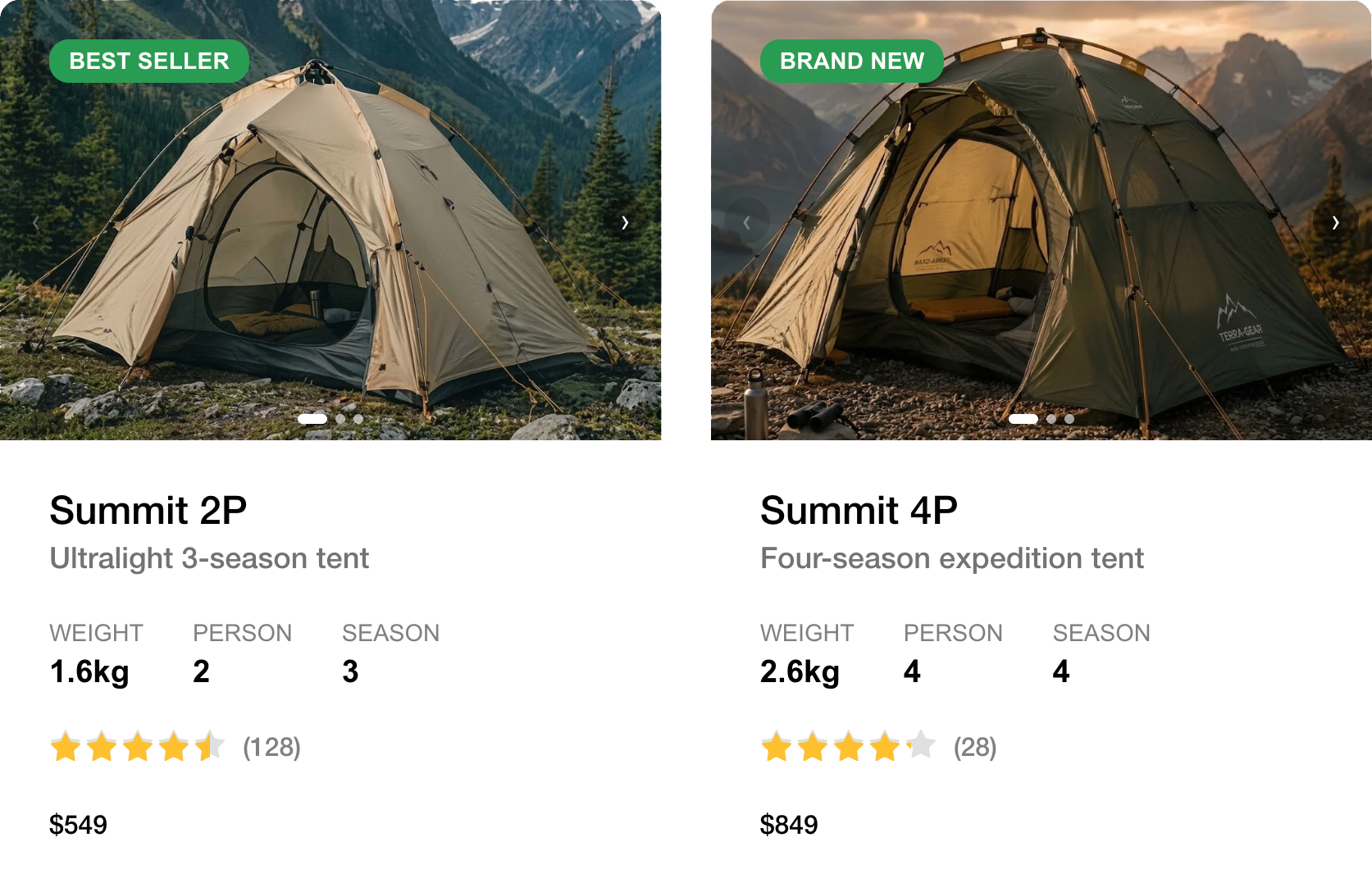
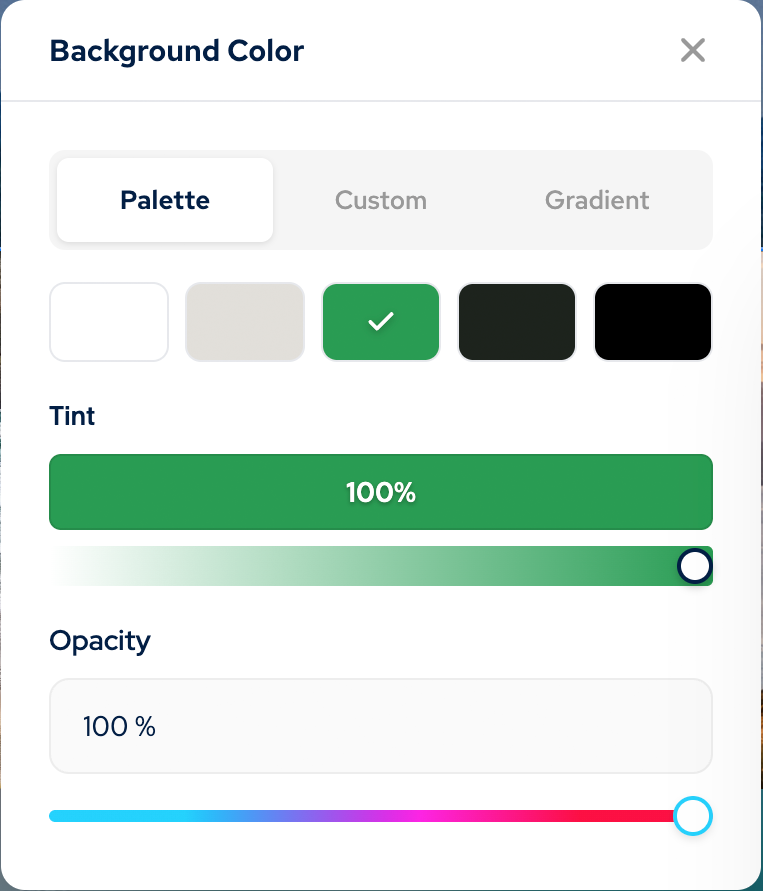
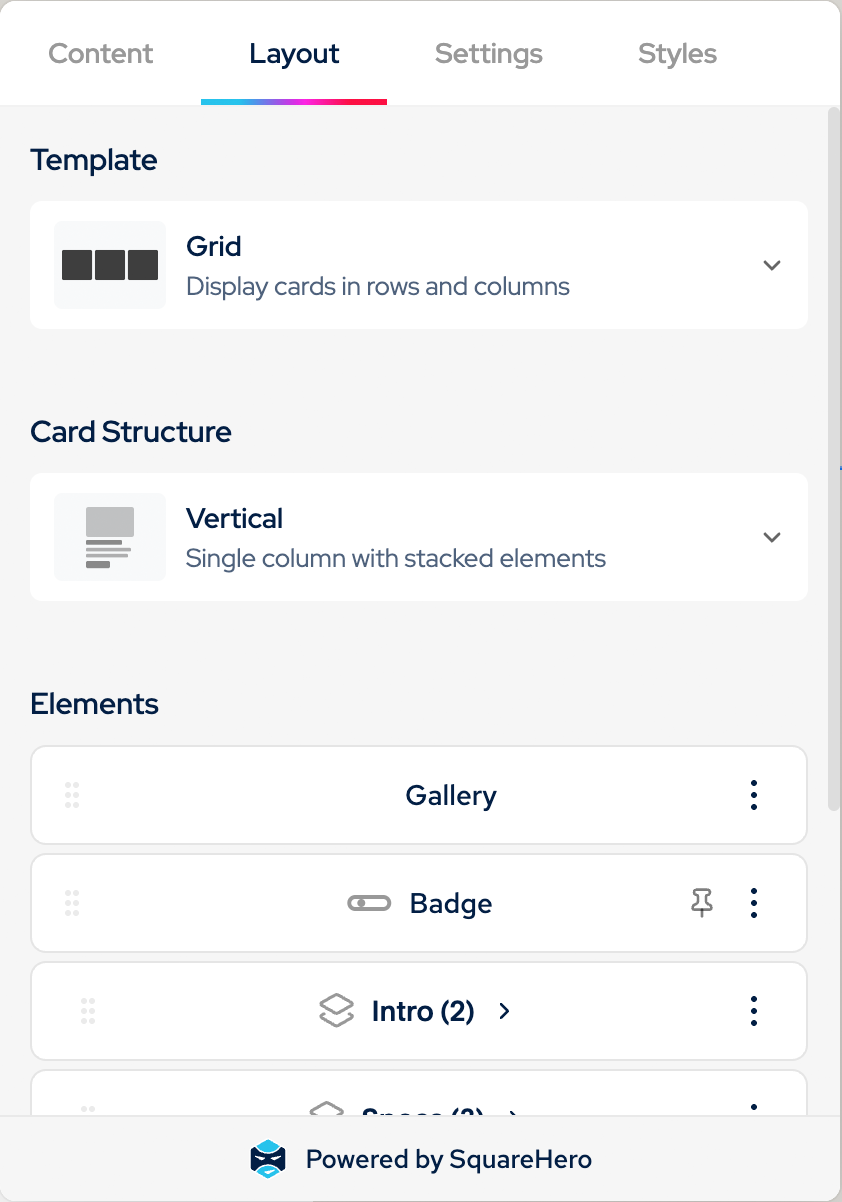
Designed to impress. Built to be edited.
A set of custom blocks, plus tools for structuring your content — configured entirely within Squarespace, with no custom code required.
Custom blocks
Cards, Button+, Badge and Icon add capabilities beyond Squarespace's native blocks — flexible layouts, grouped buttons, a standalone icon — all built entirely within the block editor.
Content Library
Build your own collections for reusable content. Perfect for things like displaying team members, testimonials, — then display them all over your website in different formats with Cards.
Custom fields
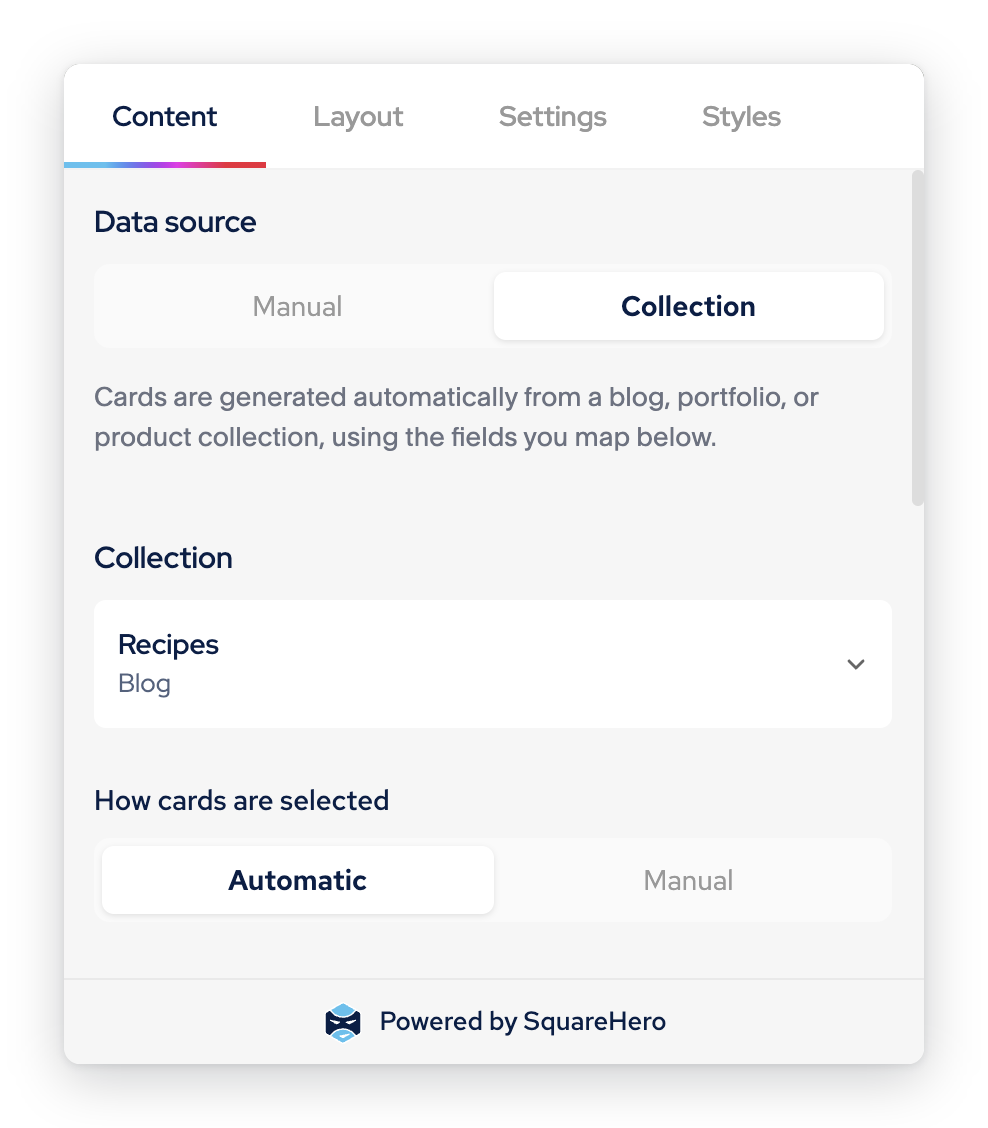
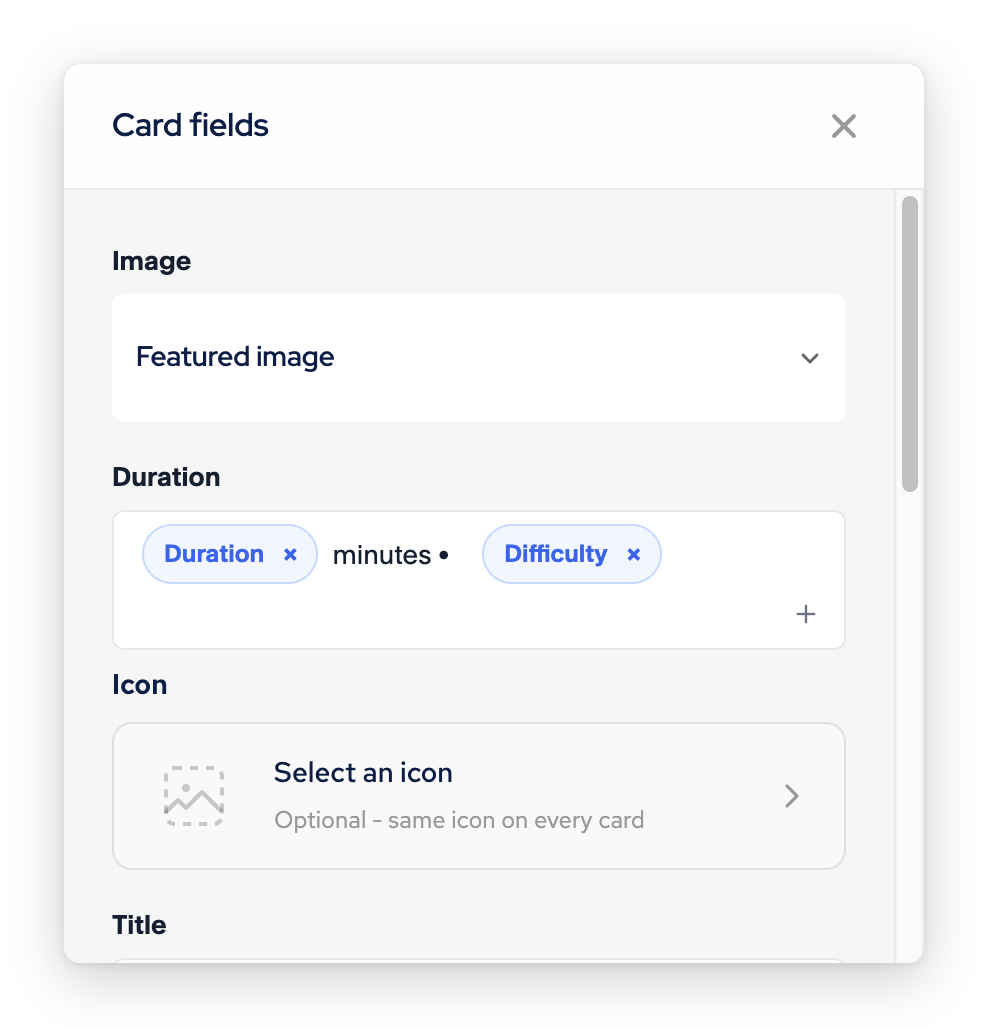
Extend any Blog, Portfolio or Products collection with fields built for your project — like categories and tags on Portfolio — then map them straight into your Cards layout.
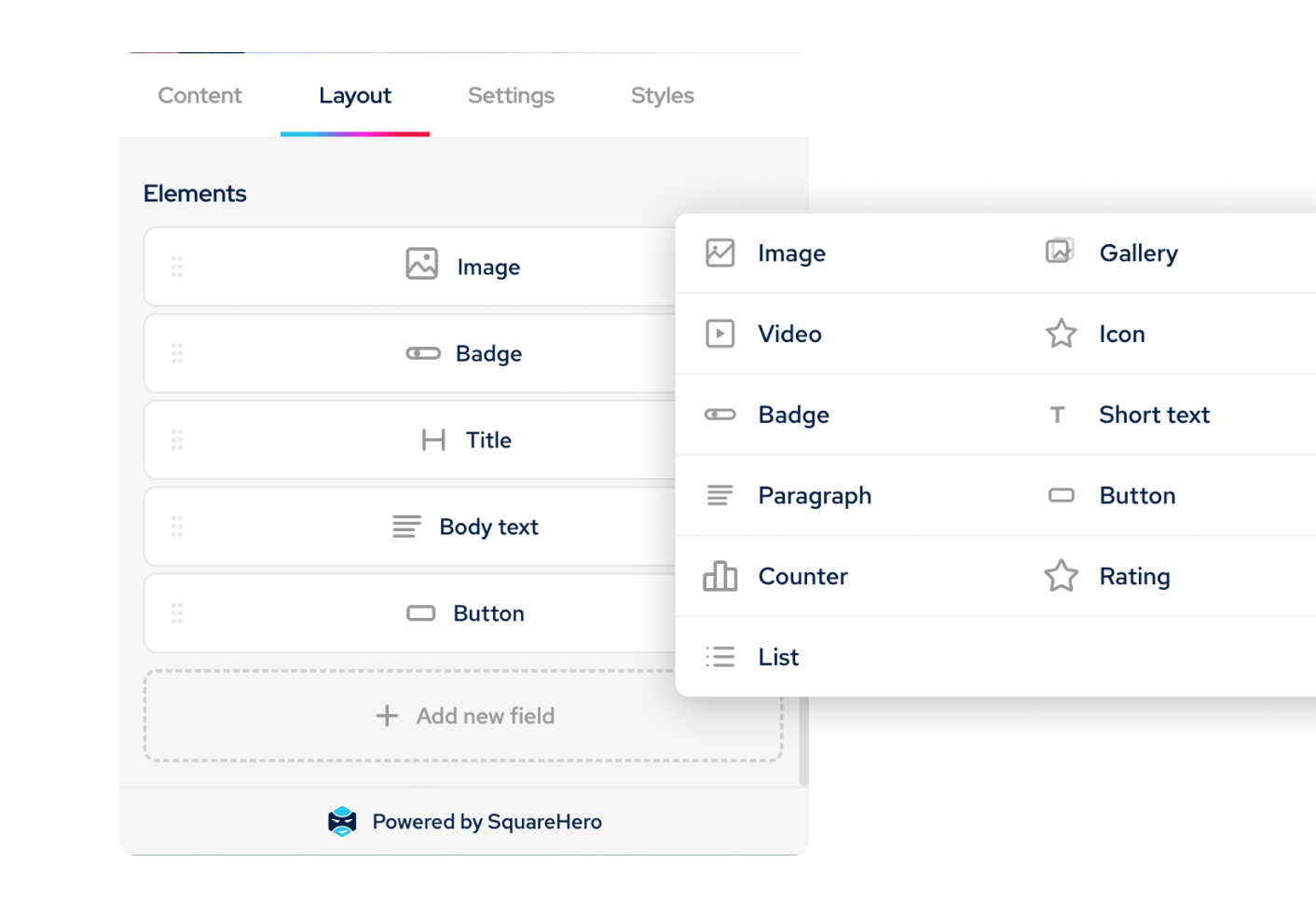

Cards block
The block built to fit your content.
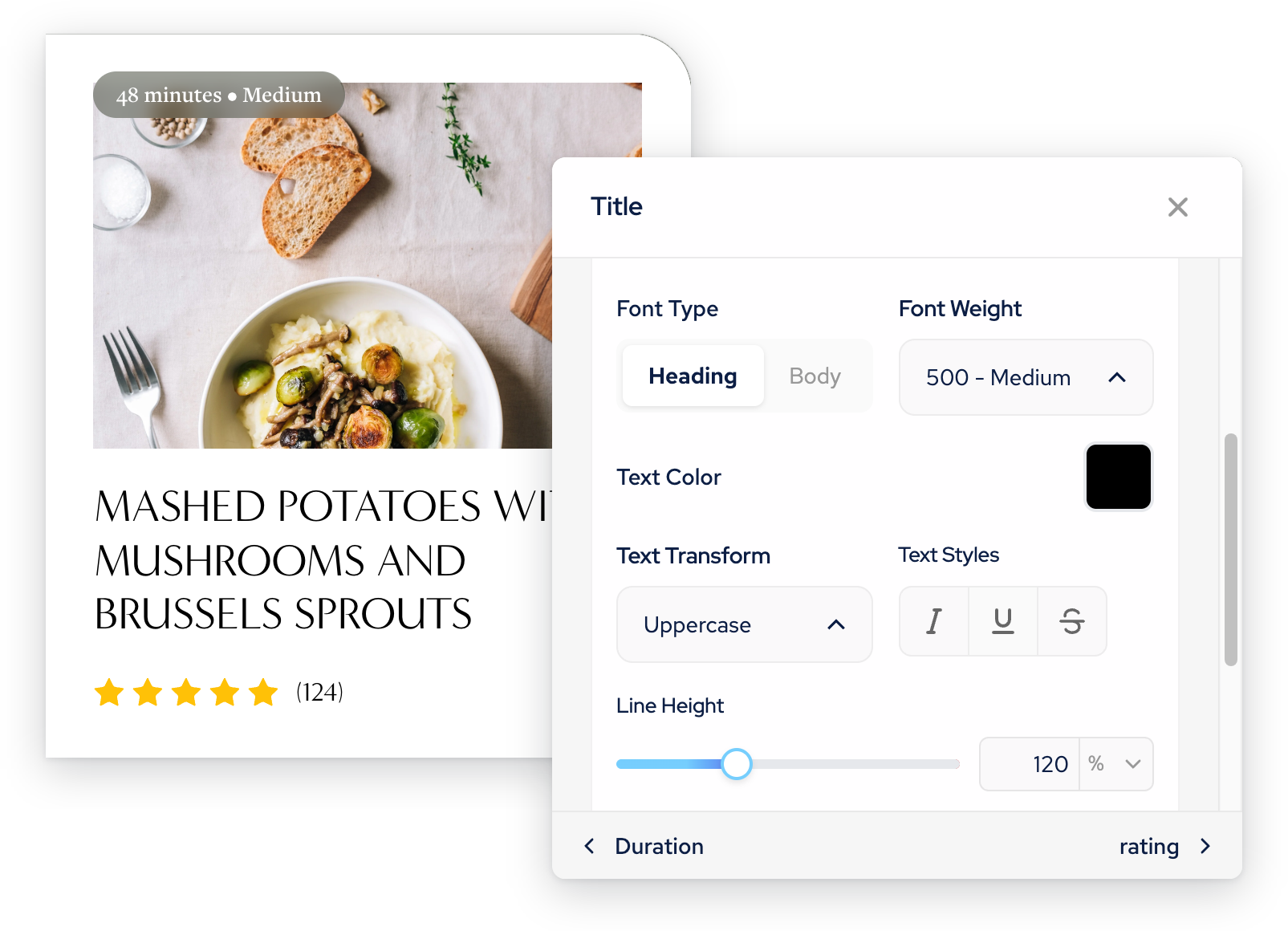
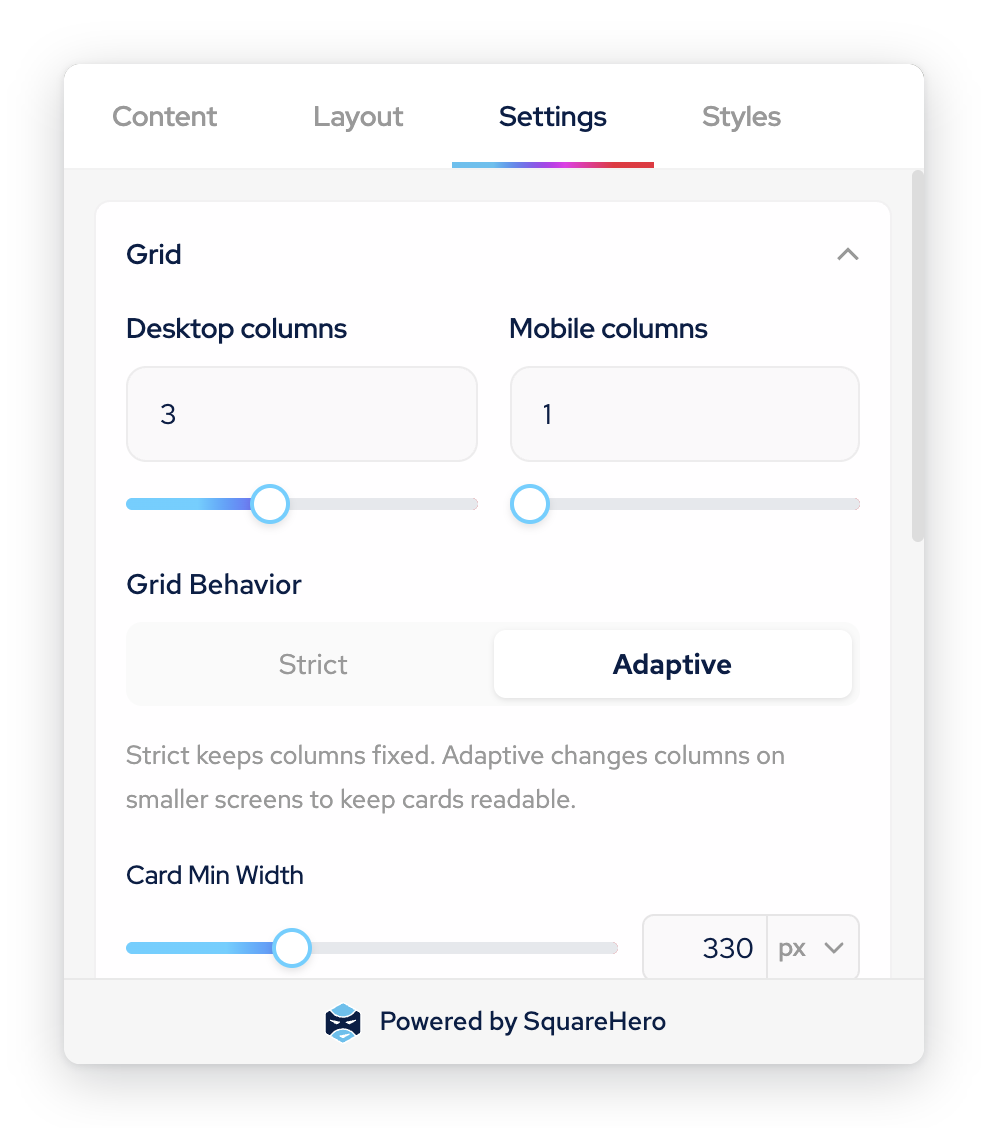
Not a fixed layout with blanks to fill in — a structure you design once, built from exactly the elements your project needs.
Content Library
Custom collections, built your way.
Every field is one you chose — all you need, none you don't. Create reusable collections for team members, testimonials, FAQs, services, case studies and more, then display them anywhere with Cards.
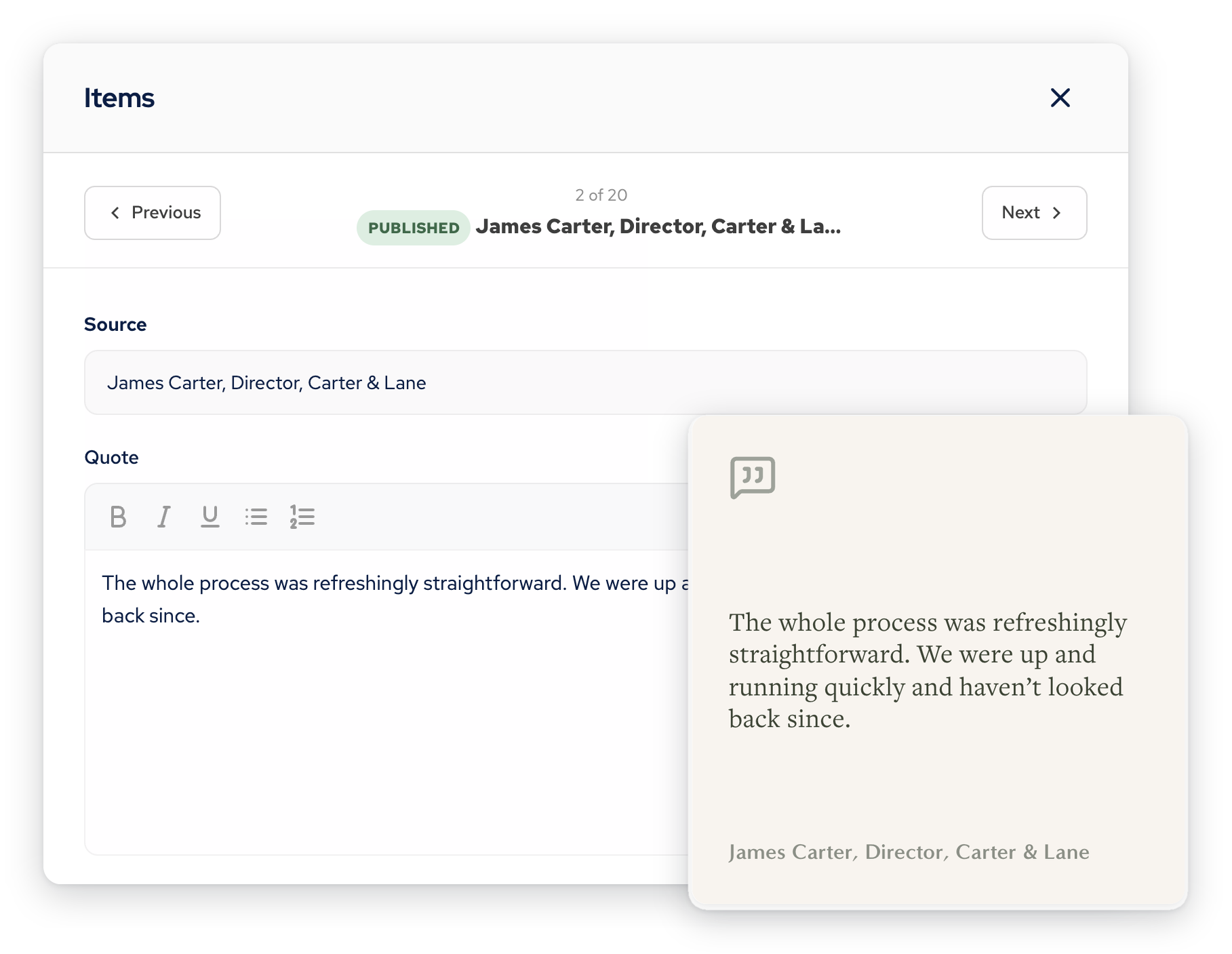
Create content once, use it anywhere
A single Testimonials collection can power a featured carousel on your homepage, a filtered set on a service page, and a full list on its own page — all from the same content. Update it once, and it updates everywhere it's used.
Store it once. Display it your way.
Build the fields your content needs — text, images, galleries, URLs, icons and more. Content Library holds the information; Cards decides how it looks, so the same entry can appear as a grid here and a carousel there.
The supporting cast.
Cards and Content Library do the heavy lifting. These four make sure nothing else on the page needs a workaround.
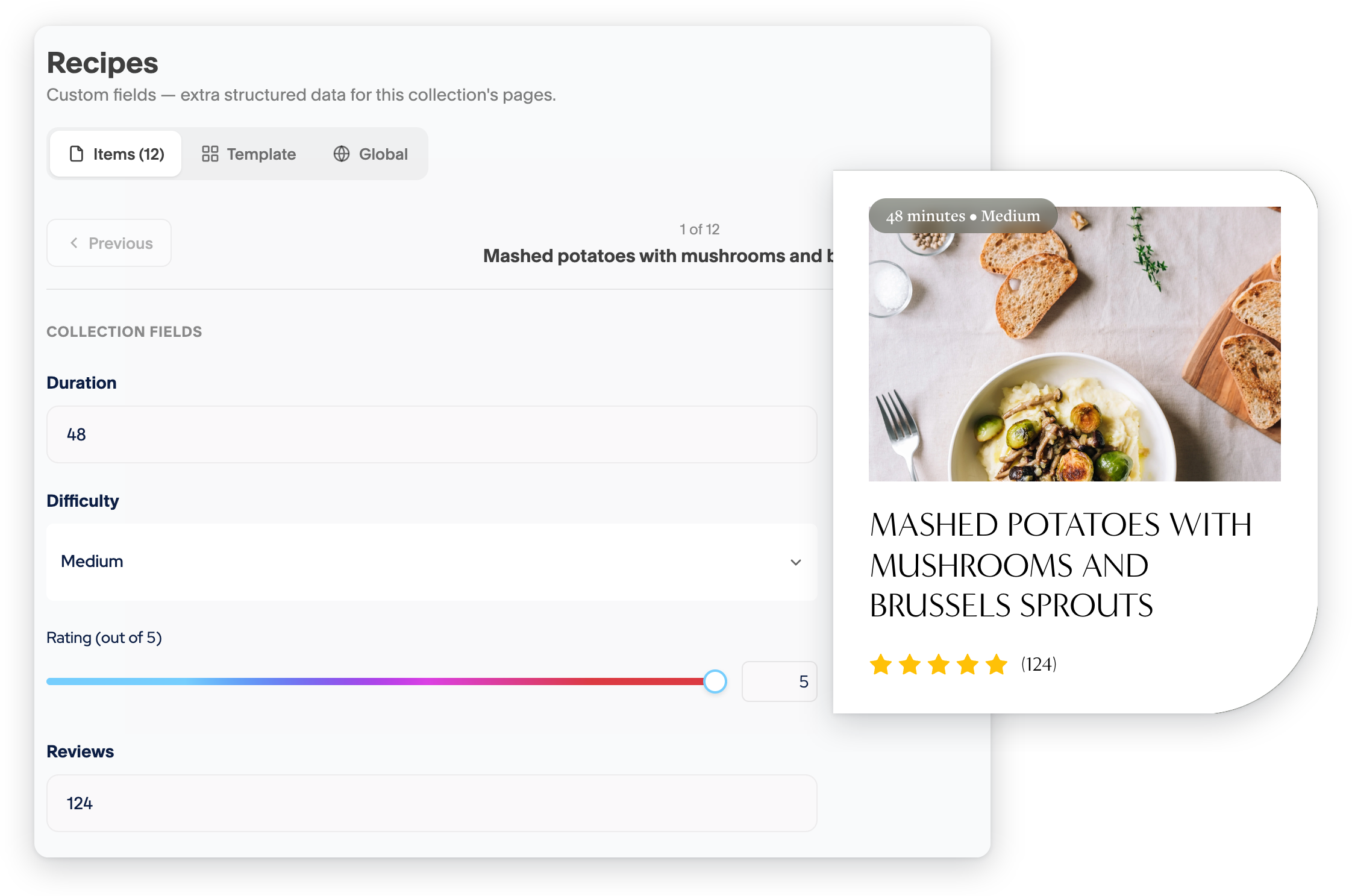
Custom fields
Add the fields you need to Blog, Portfolio and Product collections, then bring them into your layouts. From portfolio video previews to recipe ratings and detailed product specs.
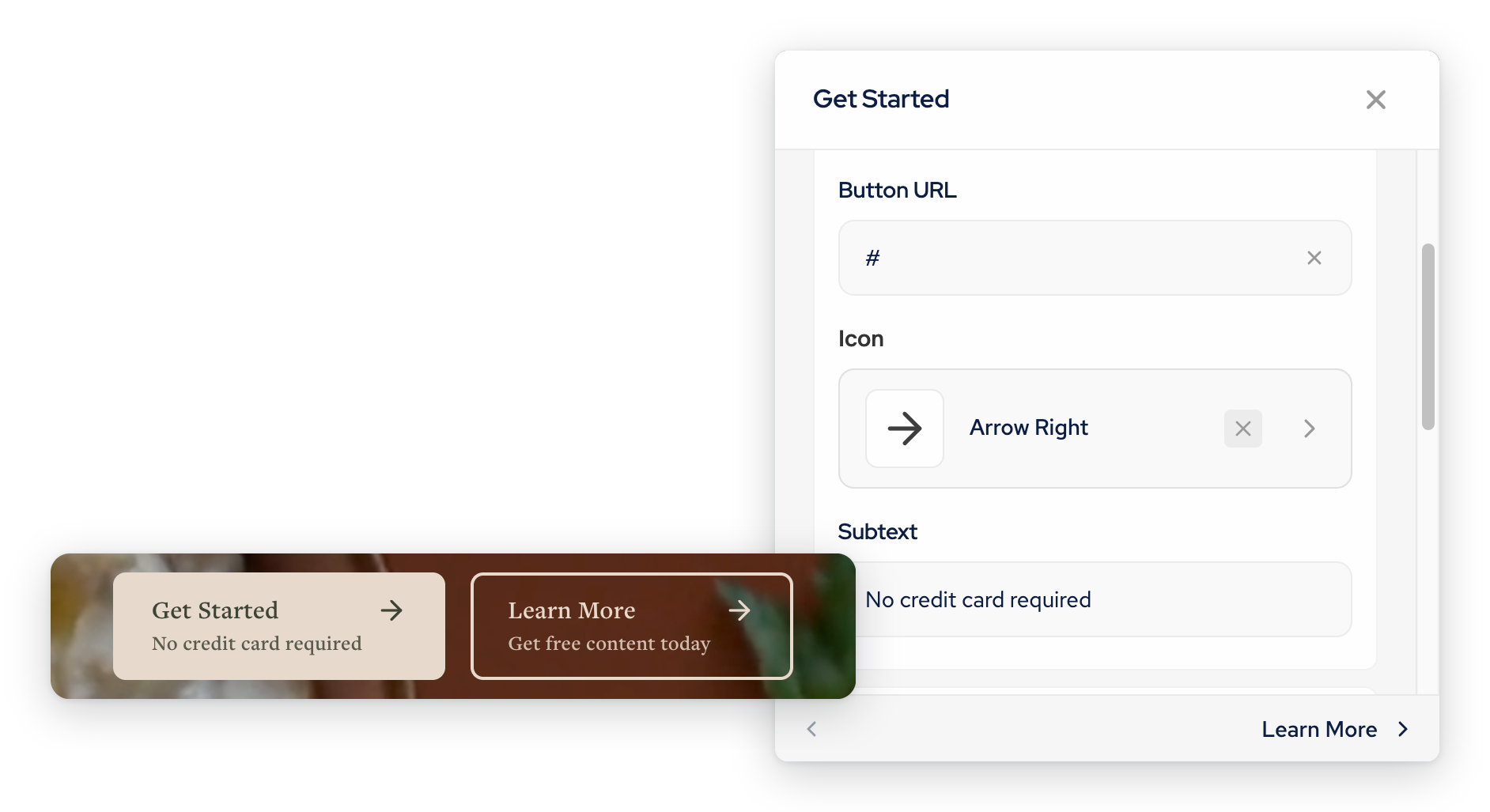
Button+ block
Multiple responsive buttons, side by side, with icons and optional subtext — no Stacks required.
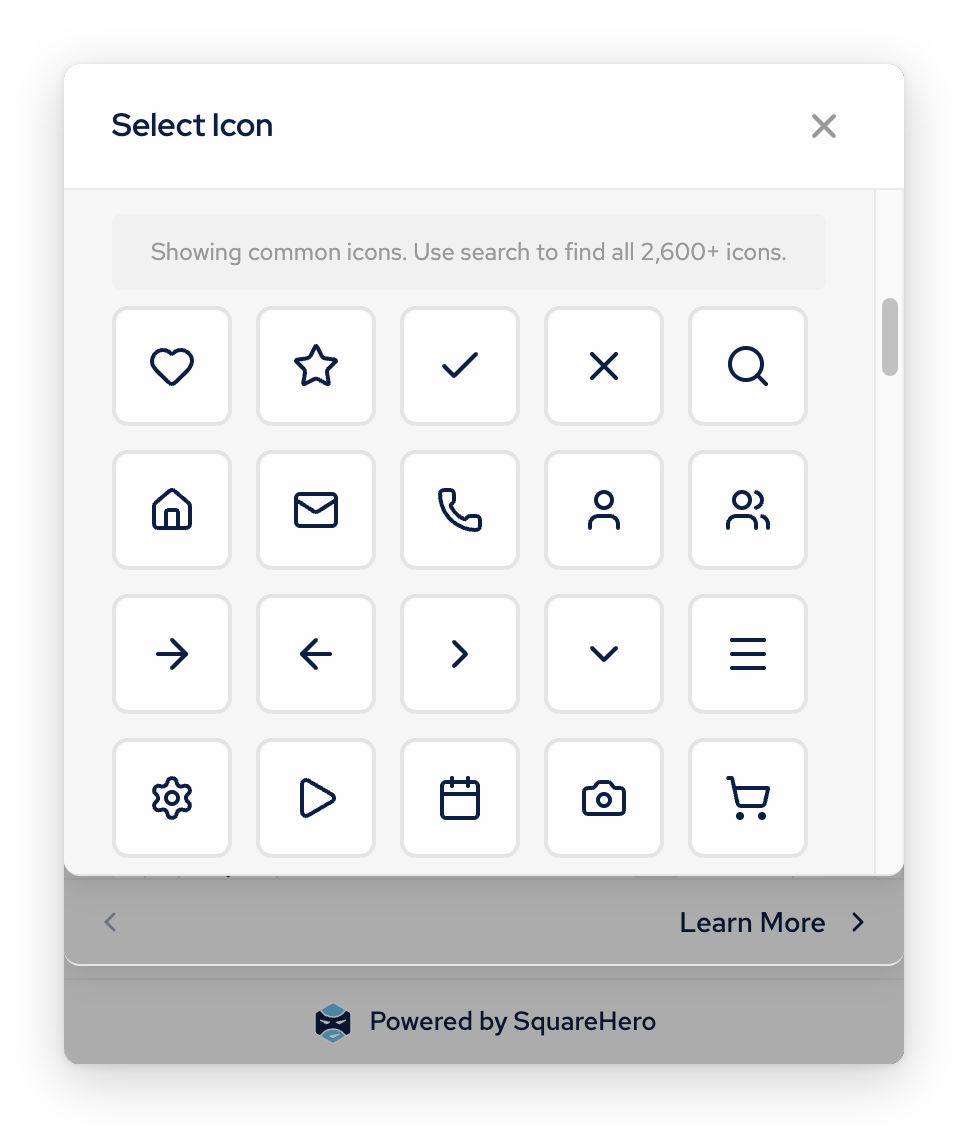
Badge & Icon blocks
Standalone eyebrow, label and icon elements, styled to match the rest of your site, with 2,600+ icons to choose from.
Section settings
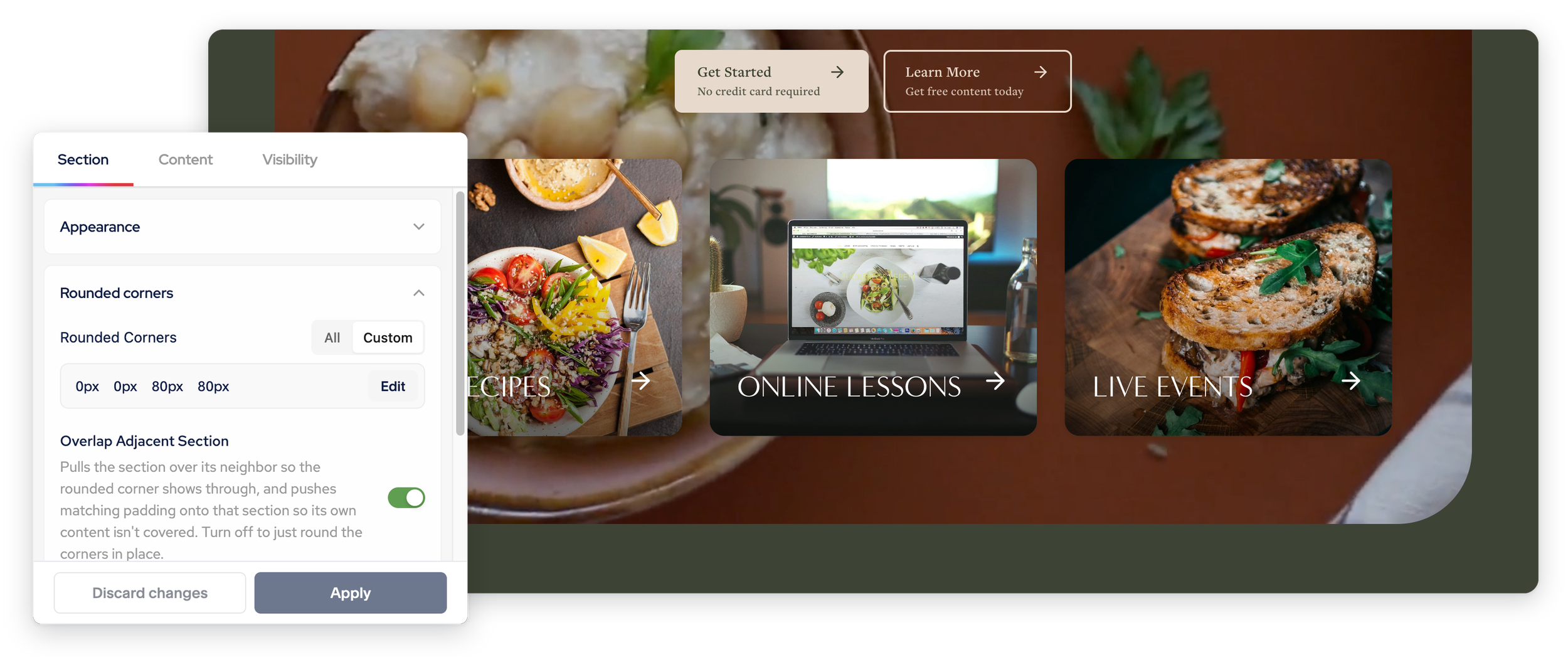
Add more visual control to your sections with gradients, scroll-based colour changes, rounded corners and more.
Style Library
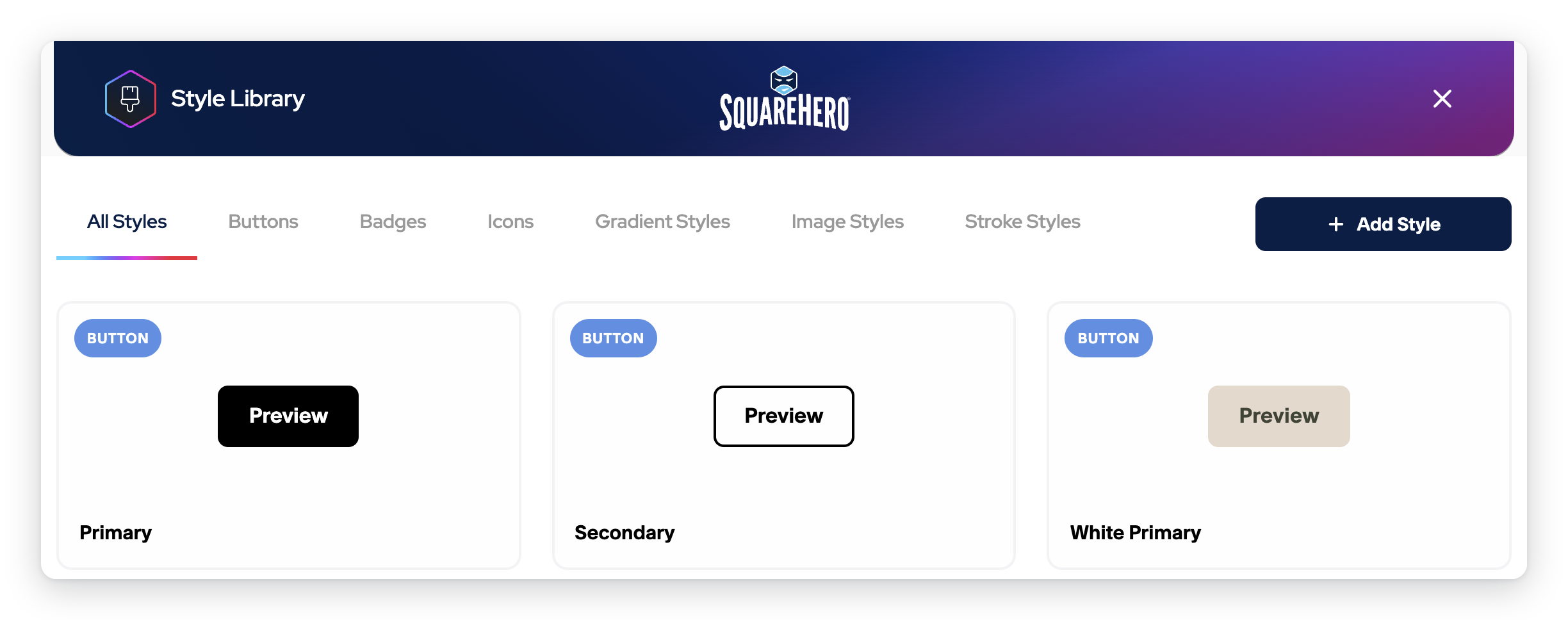
Create a style once, and reuse it across every block. Update it, and every instance follows.
One price. Every feature.
No tiers, no feature gates, no guessing which plan you need.
Single site
$
99
USD per year
Or take it for a test drive with a 14-day trial
Test everything risk-free, changes won't apply
Frequently Asked Questions
-
Yes. Studio works with all Squarespace 7.1 websites.
-
Studio requires a Squarespace Core plan or higher.
-
Nothing suddenly breaks. Your Studio features will continue to work on the live website, so your visitors will see everything as normal.
Your Studio editing access remains available for the full period you've paid for. If you cancel your subscription, it simply won't renew.
Once your subscription expires, Studio becomes read-only in the Squarespace backend. Your existing content stays in place, but you won't be able to edit Studio features until you renew your licence.
-
Yes. SquareHero Studio is designed for Fluid Engine sections in Squarespace 7.1.
Classic sections aren't currently supported.
-
No. SquareHero Studio is completely visual. You don't need to write custom code or CSS to use any of the Studio features.
-
Yes. Studio works alongside the standard Squarespace editing experience, so you can mix Studio features with regular Squarespace blocks and sections.
-
Absolutely. That's one of the main reasons we built SquareHero Studio.
SquareHero Studio lets you create sophisticated layouts that are still easy for clients to manage. For example, you can set up a card layout that automatically pulls from a blog, portfolio or collection, so the client simply adds a new item and fills in the relevant fields. The content then appears in the right place automatically.
-
Yes. SquareHero Studio has a dedicated handover workflow for this.
You can build the site while it's in trial mode with unlimited access, then hand it over to your client when it's ready. Your client receives an email inviting them to create their own SquareHero account and take over the site.
They're then guided through purchasing their own Studio licence. If you've enabled the option, they can also be prompted to purchase their Squarespace subscription.
This means the client can take ownership of their own Studio subscription rather than having it tied to the designer.
-
Yes. Each Studio licence covers one website.
If you're using Studio on multiple websites, each site needs its own licence.
-
Your existing Studio features continue working on the live website. The Studio editing interface becomes read-only until the licence is renewed.
-
Yes. New Studio features and improvements are added automatically, just like updates to Squarespace itself. There's nothing you need to install manually.
-
Yes. Your Studio subscription includes support, so you can get help when you need it.